 mandacode

Setting Up a Home Cluster Part 1: Choosing Hardware and Configuring the Network
Hardware Selection and Network Configuration in Building a Home Cluster Based on Proxmox VE
I wanted to handle various project operations, development and testing workloads, and personal learning and experiments all on AWS EKS.
However… the cloud is expensive.(Very much so.)
Since the cluster is mainly for personal services and development, I decided EKS was too much.
So, I decided to build a home cluster (but) setting up a home server isn’t easy.
It would be great to buy professional hardware, install it in a rack mount, and run it, but that’s not feasible in a household.
There are constraints like cost, noise, heat, and space.
To choose the optimal solution, I set the following criteria:
- Cost: It shouldn’t be too expensive
- Noise: It should be quiet enough to be barely noticeable
- Heat: It should be manageable in a typical home
- Space: It should fit in a small space
- Performance: It should handle workloads that run on EKS
Cost was the biggest constraint. The goal was to build a server with minimal investment given the current situation.
So, I purchased an Intel Xeon E5 series, a Chinese motherboard, and ECC memory cheaply from AliExpress, and decided to use a standard desktop case instead of a server case due to noise and heat issues.
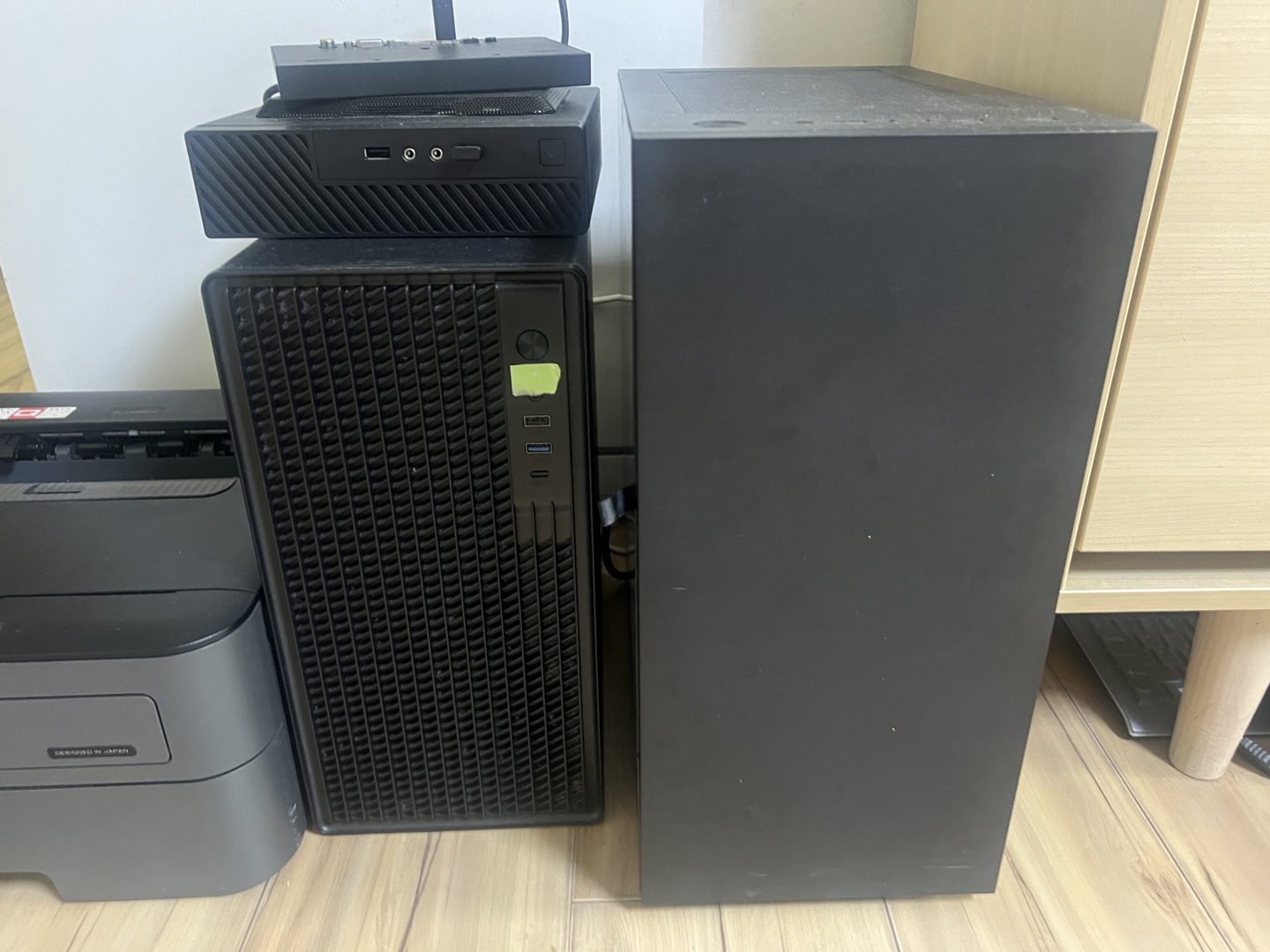
Although a total of three computers were prepared, due to power supply, network configuration, and noise, it was determined that configuring with just one is best at this point.
Additionally, I wanted to configure the cluster with Talos Linux, and since there are plans for future cluster expansion and migration, I chose to run Talos Linux on a hypervisor rather than installing it directly.
I chose Proxmox VE as the hypervisor because it is free to use, easy to install, and supports various storage options like ZFS, Ceph, and network virtualization features. Another major advantage is its intuitive dashboard UI, which makes management convenient.
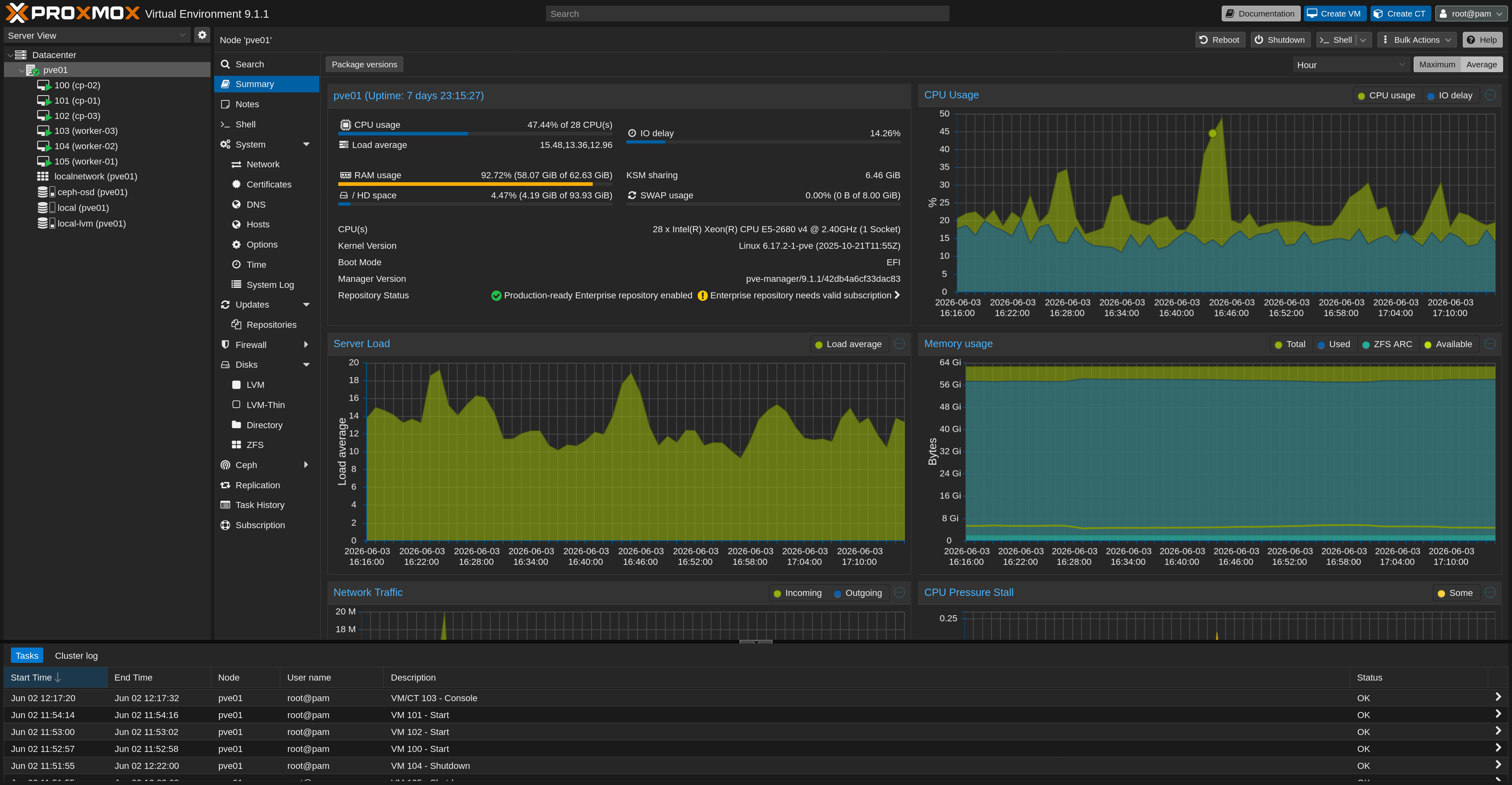
I plan to expand the cluster using Proxmox VE’s cluster features in the future, but for now, since a single node isn’t fully stable, I intend to manage the cluster state through ETCD backups and a GitOps workflow.
In the next post, I’ll talk about the process of installing Talos Linux on Proxmox VE and setting up a Kubernetes cluster!